The workspace
A cockpit, not a chat window.
Beside every conversation is the agent's actual computer: files you can open and edit, apps running live, a slides studio, and a backend console — all restored whenever you come back.
app/page.tsx
app/pricing/page.tsx
lib/data.ts
report.docx
Five surfaces, one computer
A real file workspace
Every task gets a file tree you can search, open in tabs, and edit in place — with viewers for code, docs, sheets, PDFs, and video.
Live app preview
Web builds run beside the chat — switch viewports, click elements to reference them, auto-reconnect after every rebuild.
A slides studio
Edit decks slide-by-slide, restyle from a theme gallery, present with speaker notes and a synced laser pointer.
A backend console
Browse database tables, manage sign-in users, storage, and secrets for the apps it builds — right in the workspace.
Durable sessions
Come back days later and the whole computer is restored — files, data, even running servers.
Publish from the workspace
Deploy apps to production, publish decks and files to public links, or send work to Google Drive, Docs, and Sheets.
Made with Raccoon
Real output from real tasks — not concept art. Open any of them.
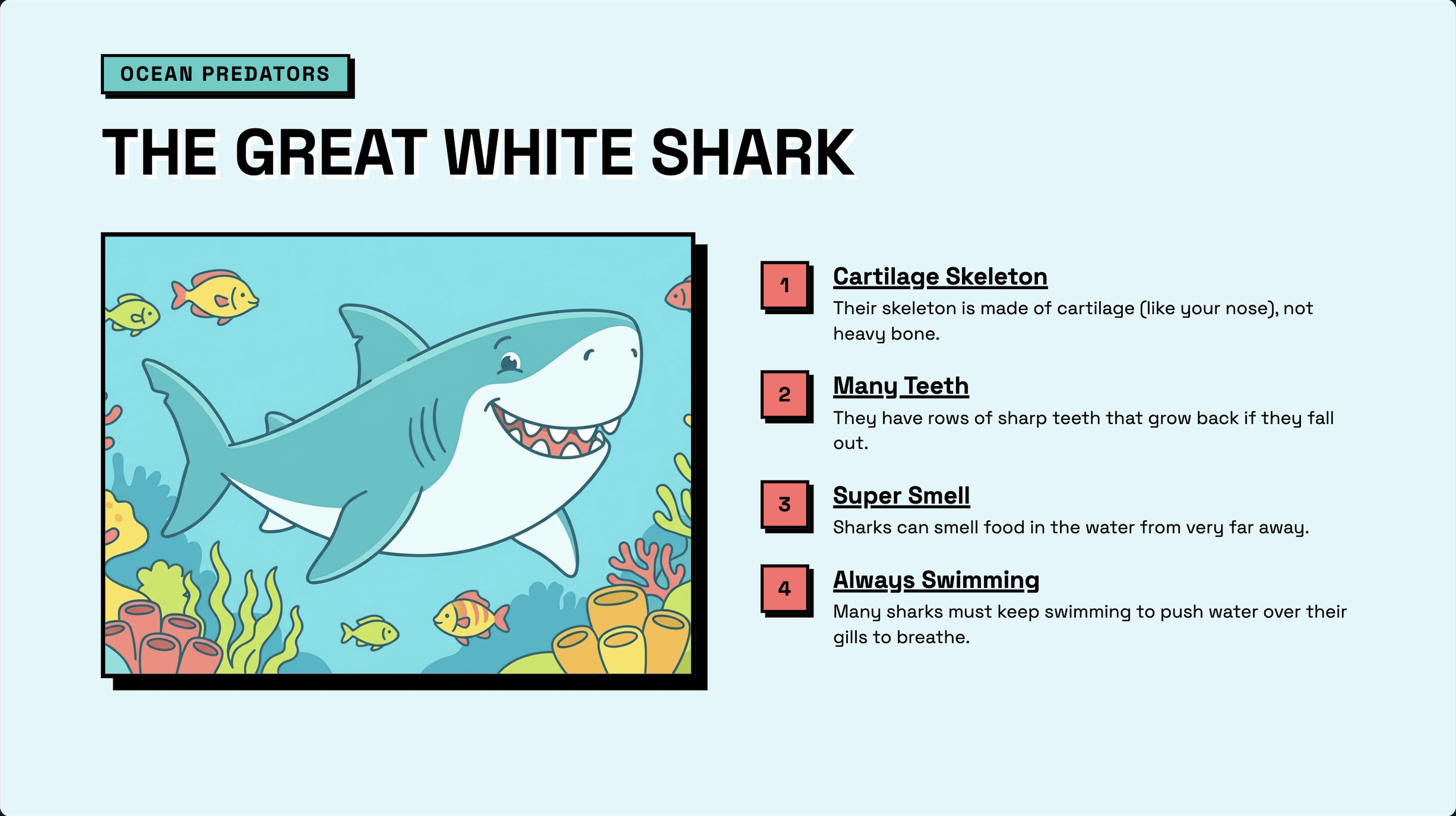
Classroom Lesson
Classroom
Interactive educational slides for elementary students featuring ocean creatures with AI-generated illustrations, key facts, and a matching game activity.
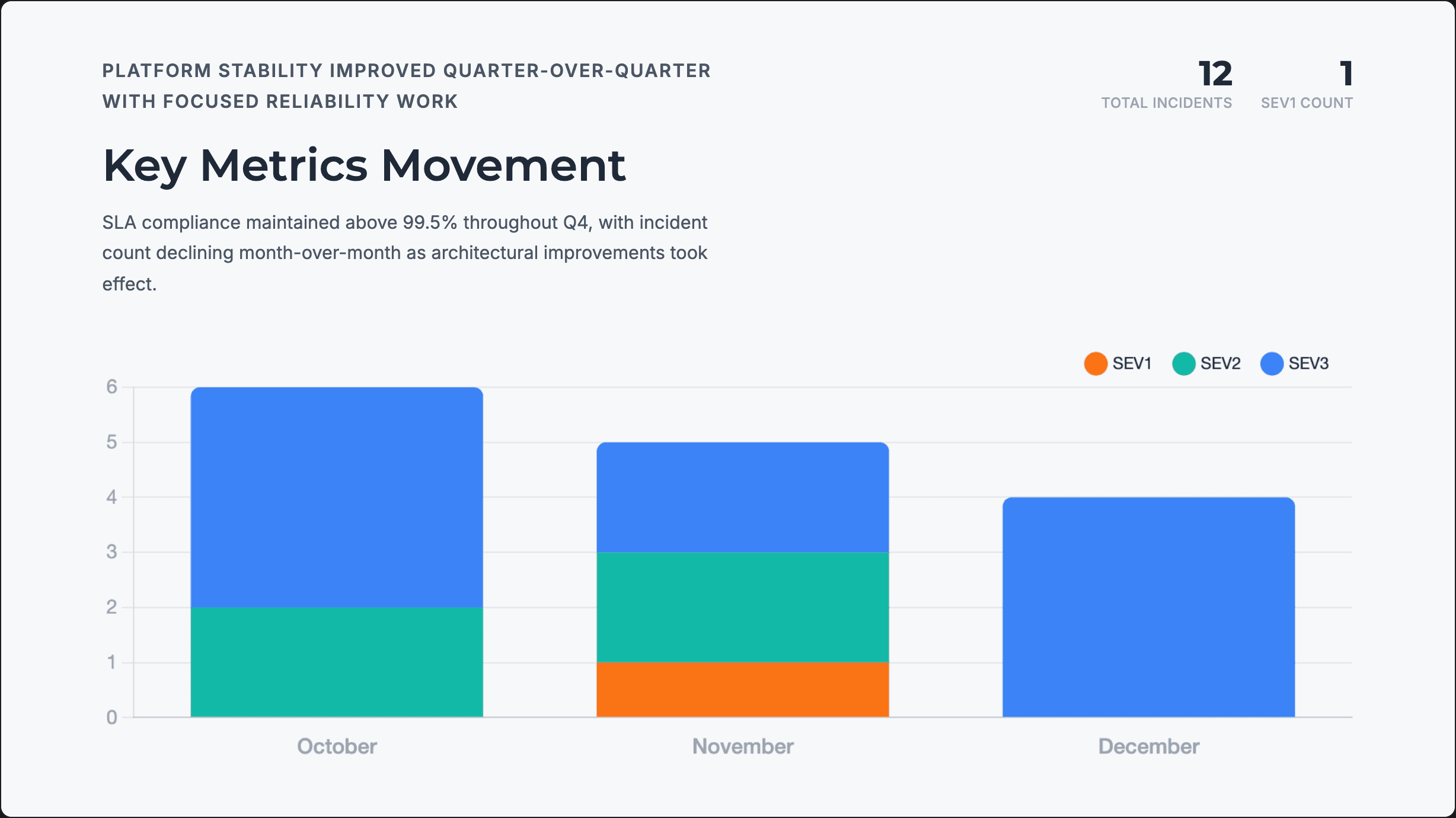
Quarterly Review
Business
Data-driven engineering review presentation with reliability metrics, incident analysis, architectural changes, and next quarter priorities for leadership.
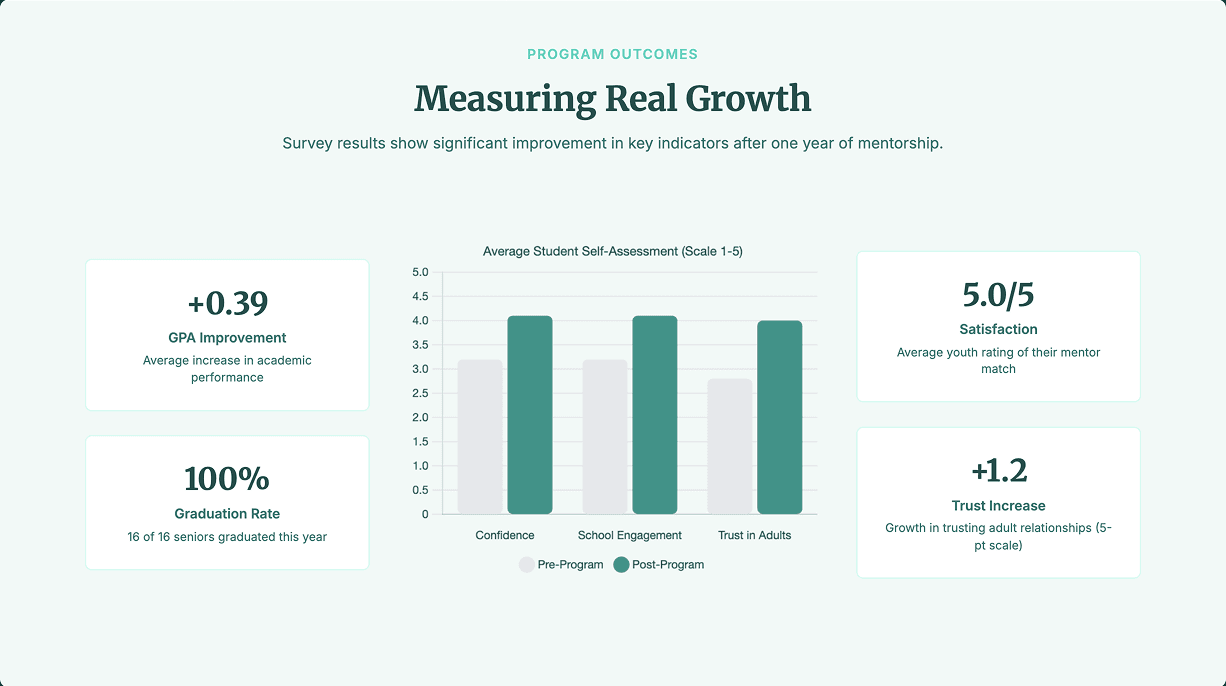
Annual Report
Report
Board meeting presentation for youth mentorship program covering outcomes, financials, donor recognition, and strategic needs for the year ahead.
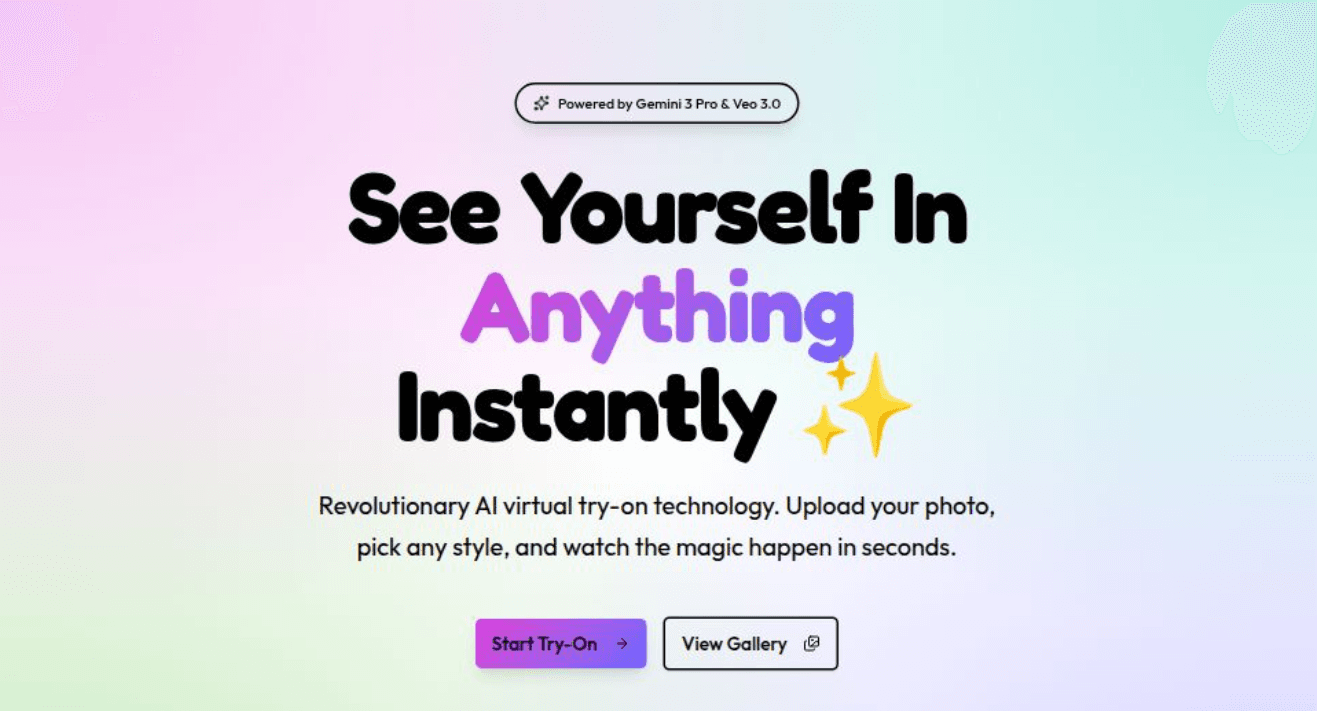
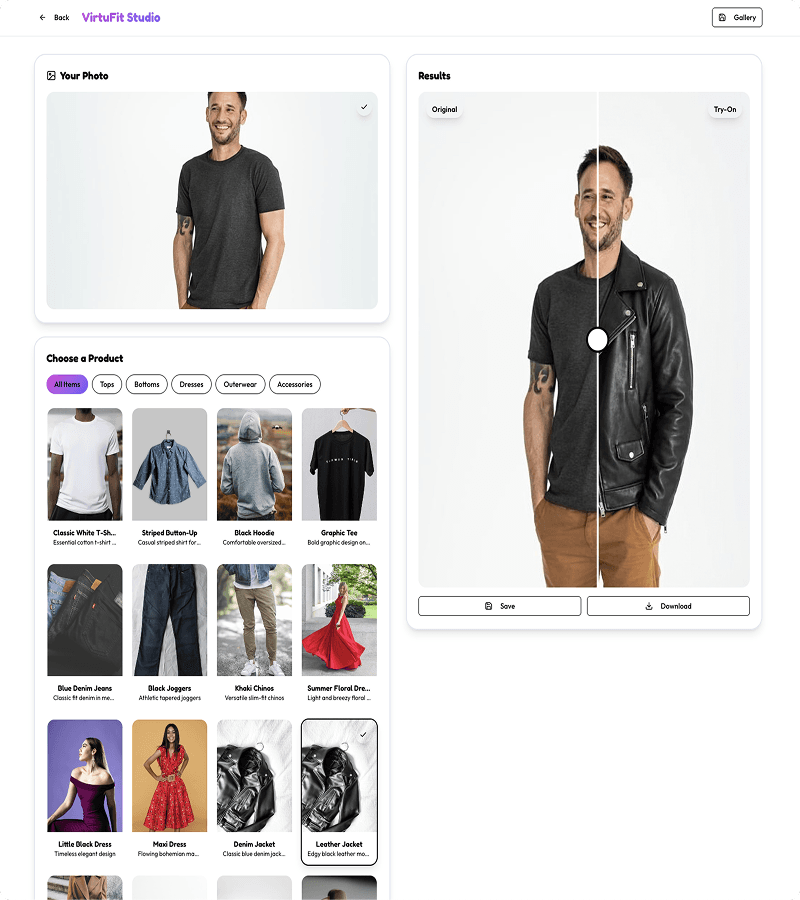
AI Virtual Try-On App
AI Native
A web app for an AI image and video generation platform focused on virtual try-ons. Use gemini-3-pro for images and veo-3.0 for videos. Users can upload a photo and see realistic outfit try-ons instantly.
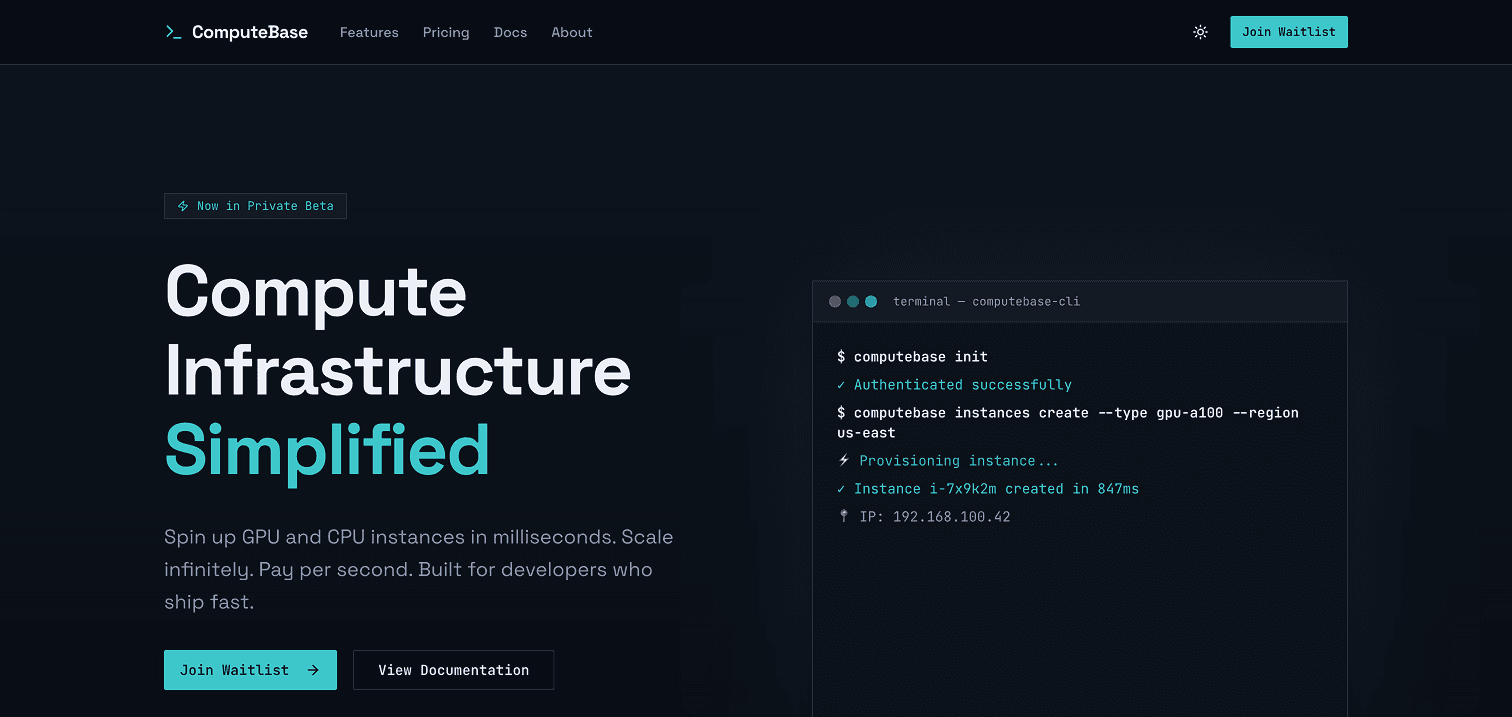
Landing Page
Marketing
One shot a developer-focused compute infrastructure platform with sharp, technical aesthetics. Feature an animated terminal demo, comprehensive marketing pages, and functional waitlist integration.
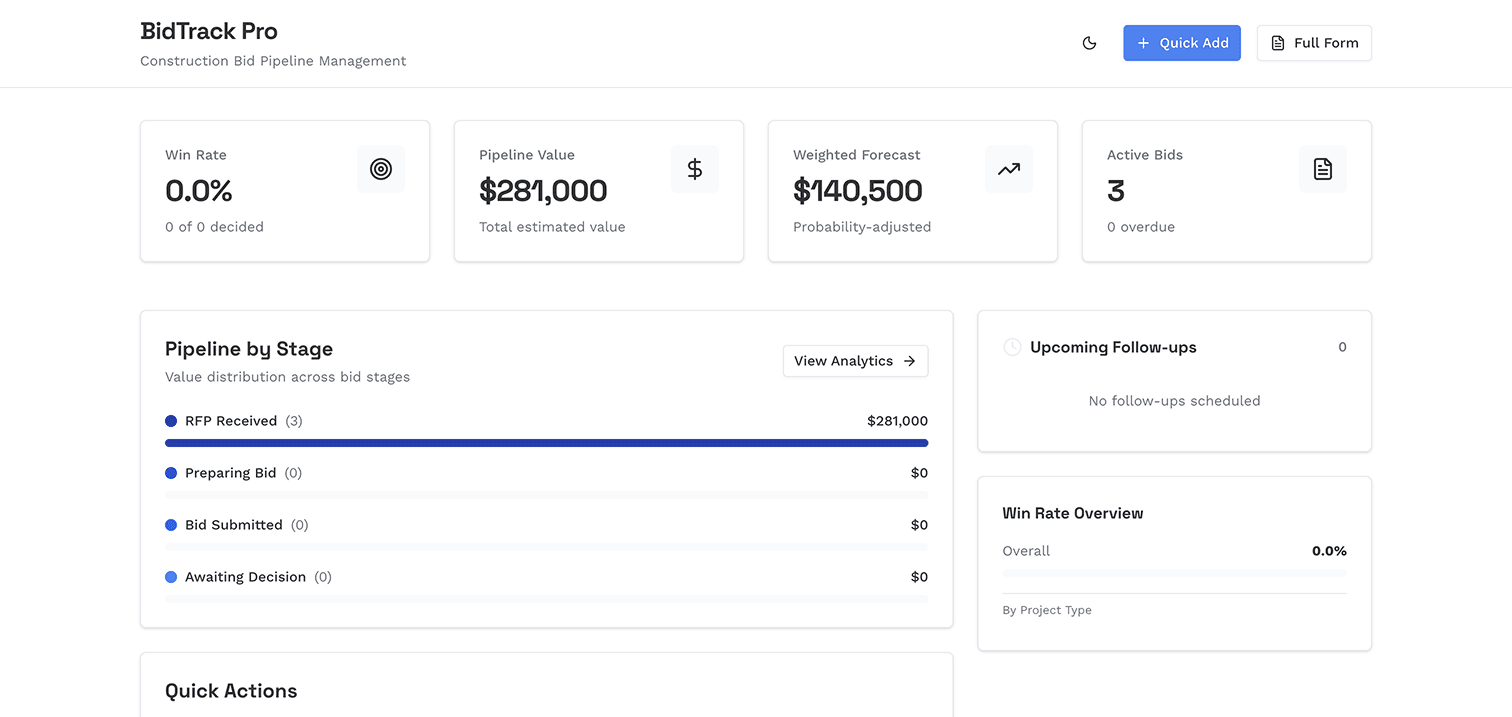
Excels to Dashboards
Productivity
Convert daily excel workflows into simple, clean dashboards with visualizations and powerful analytical features. Friendly flows for entering data on your phone or desktop and export back to Excel anytime.
Others give a canvas. You get the cockpit.
ChatGPT has a Canvas. Manus gives its agent a computer. Raccoon gives you the cockpit for one — live, transparent, and permanent.
Surface
Raccoon AI: Multi-tab cockpit
ChatGPT: One Canvas doc
Manus: Chat + terminal VM
Previews
Raccoon AI: High-fidelity, per-type tabs
ChatGPT: Canvas render only
Manus: Basic viewer
Persistence
Raccoon AI: Whole computer, servers restored
ChatGPT: Artifacts expire in hours
Manus: Hard reset in 7–21 days
Work alongside
Raccoon AI: Edit live — agent adapts
ChatGPT: Not built for this
Manus: Watch, then download
Transparency
Raccoon AI: Every file, intermediates too
ChatGPT: Answer, not workspace
Manus: Final outputs only
Shipping
Raccoon AI: Deploys, exports, public links
ChatGPT: Copy-paste out
Manus: Site deploys
Frequently asked questions
What shows up in the workspace?
Up to five tabs, only when relevant: Files, Preview for running apps, Slides, Cloud for backends, and Canvas for images — auto-focused as the agent works.
Can I edit files myself?
Yes — code, text, markdown, CSV, and web files edit in place, and the agent sees your changes immediately. Unsaved-change indicators keep it honest.
What happens when I close the tab?
Sessions are durable. Come back days later and the computer restores — files, data, even running servers — right where you left off.
How do I get work out?
Download anything (or the whole workspace as a zip), export to PDF, Word, or PPTX, send to Google Drive, Docs, Sheets, or Slides, or publish to a public link.
How is this different from ChatGPT Canvas or Claude Artifacts?
Canvas and Artifacts show one document beside a chat. Raccoon's workspace is the agent's actual computer: a file tree you can edit, apps running live, a slides studio, and a backend console — durable across sessions, with one-click deploys. You can also share the whole session read-only, and viewers can fork it.
Related use cases
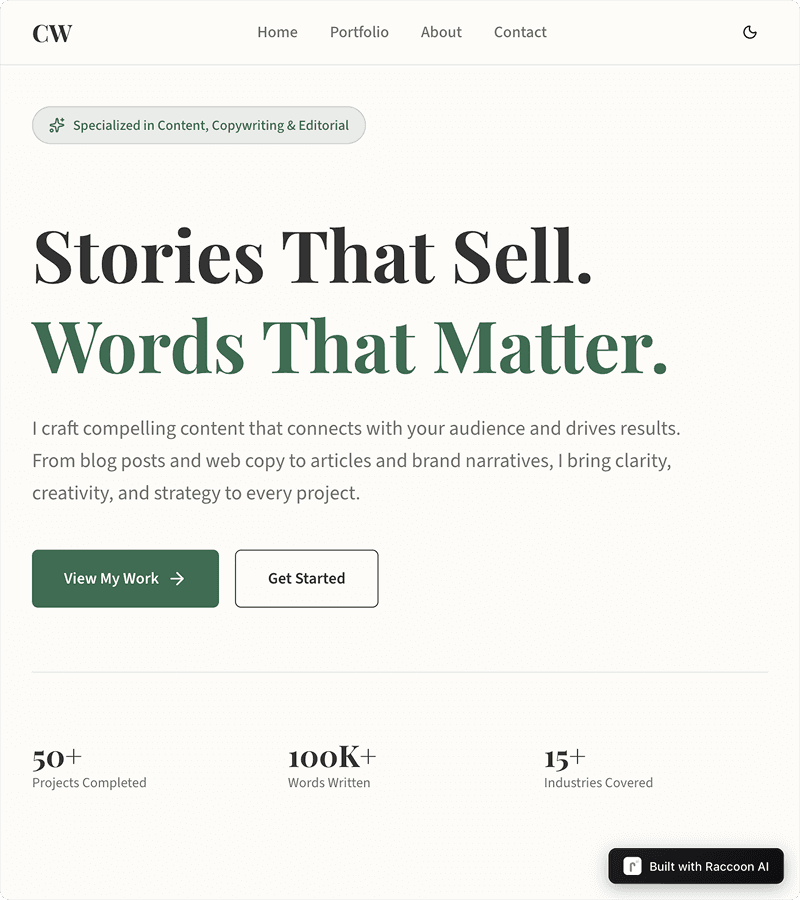
Marketing Sites
Build landing pages, product sites, and marketing websites that convert. From startup launches to campaign pages, go live in minutes.
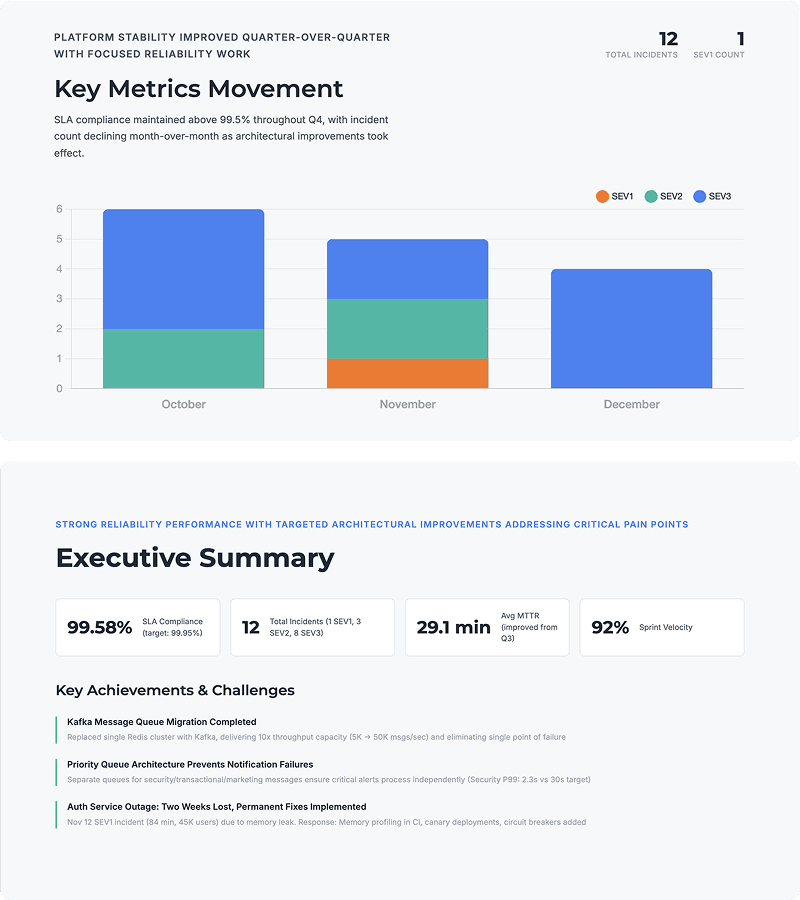
Slides
Create professional presentations in minutes. From pitch decks to reports, Raccoon AI transforms your ideas into polished slides.
Web Apps
From idea to production in minutes. Describe your app in a prompt, watch it build in real-time, and deploy to a live URL with one click. No setup, no configuration, no limits.
More of the product
Skills & Plug-ins
Package know-how into skills with hard guardrails — build them with AI, upload, or import from a repo.
Connectors
Gmail, Drive, GitHub, and any MCP server — with per-tool permissions you control.
Memory
Preferences and context that carry across sessions — transparent and editable.
AI Canvas
An image canvas with region edits, text fixes, upscaling, and video generation.