AI design canvas
Design that survives the second draft.
Generate images, then actually iterate: mask a region, fix the text, upscale to 4K, and arrange everything on a board that remembers your layout. Video included.
A canvas, not a slot machine
Generate and edit images
Text to image, style transfer, and in-place edits at up to 4K — with reference images for subject and style.
Edit just the region
Brush a mask or draw a box, describe the change, and only that area regenerates.
Fix text inside images
It detects text in an image and regenerates just those pixels — posters and mockups without the garble.
One-click cleanups
Upscale, resize with aspect lock, and background removal, built into the canvas.
An infinite board
Drag, arrange, duplicate, and reference images against each other — the layout persists between visits.
Video too
Text-to-video and image-to-video clips with reference frames, extensions, and audio — 720p or 1080p.
Made with Raccoon
Real output from real tasks — not concept art. Open any of them.
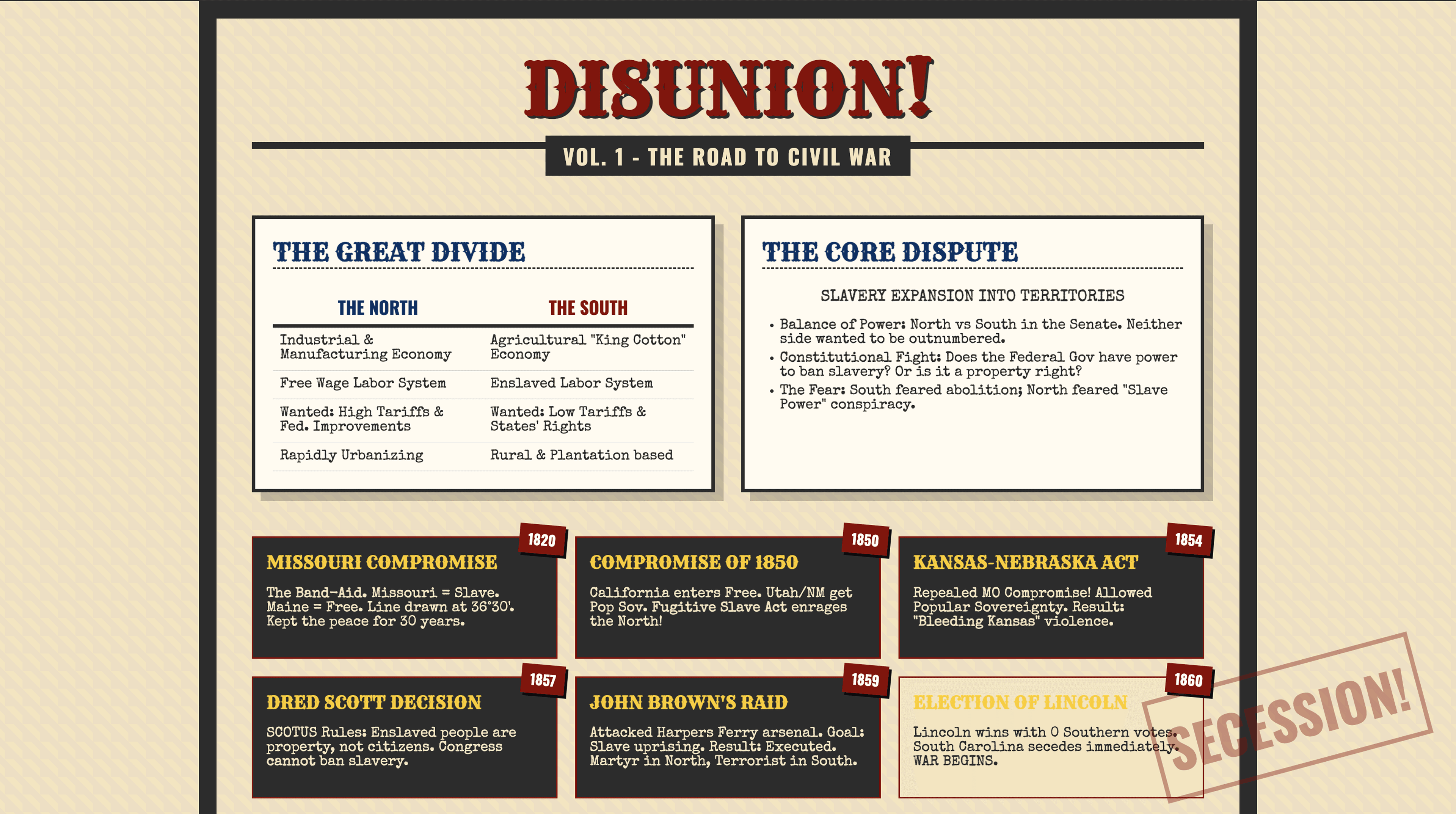
History Study Guides
Education
Concept one-pagers transforming dense notes into scannable visuals: Civil War, Colonial regions, and Reconstruction amendments breakdown.
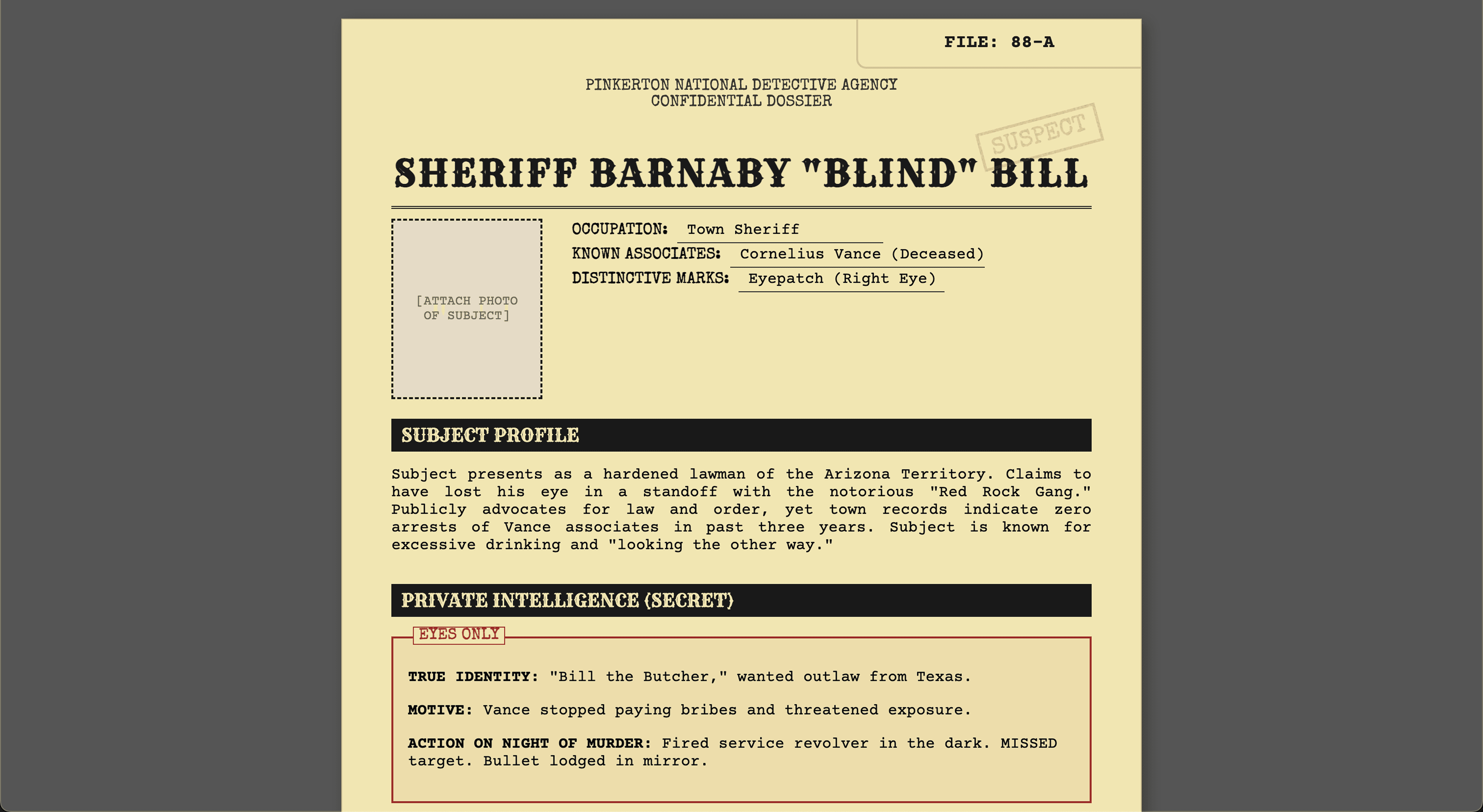
Murder Mystery Kit
Casual
Complete murder mystery kit with 8 character dossiers, clue cards, evidence packets, timeline, host guide, and accusation forms. Ready to print and play.
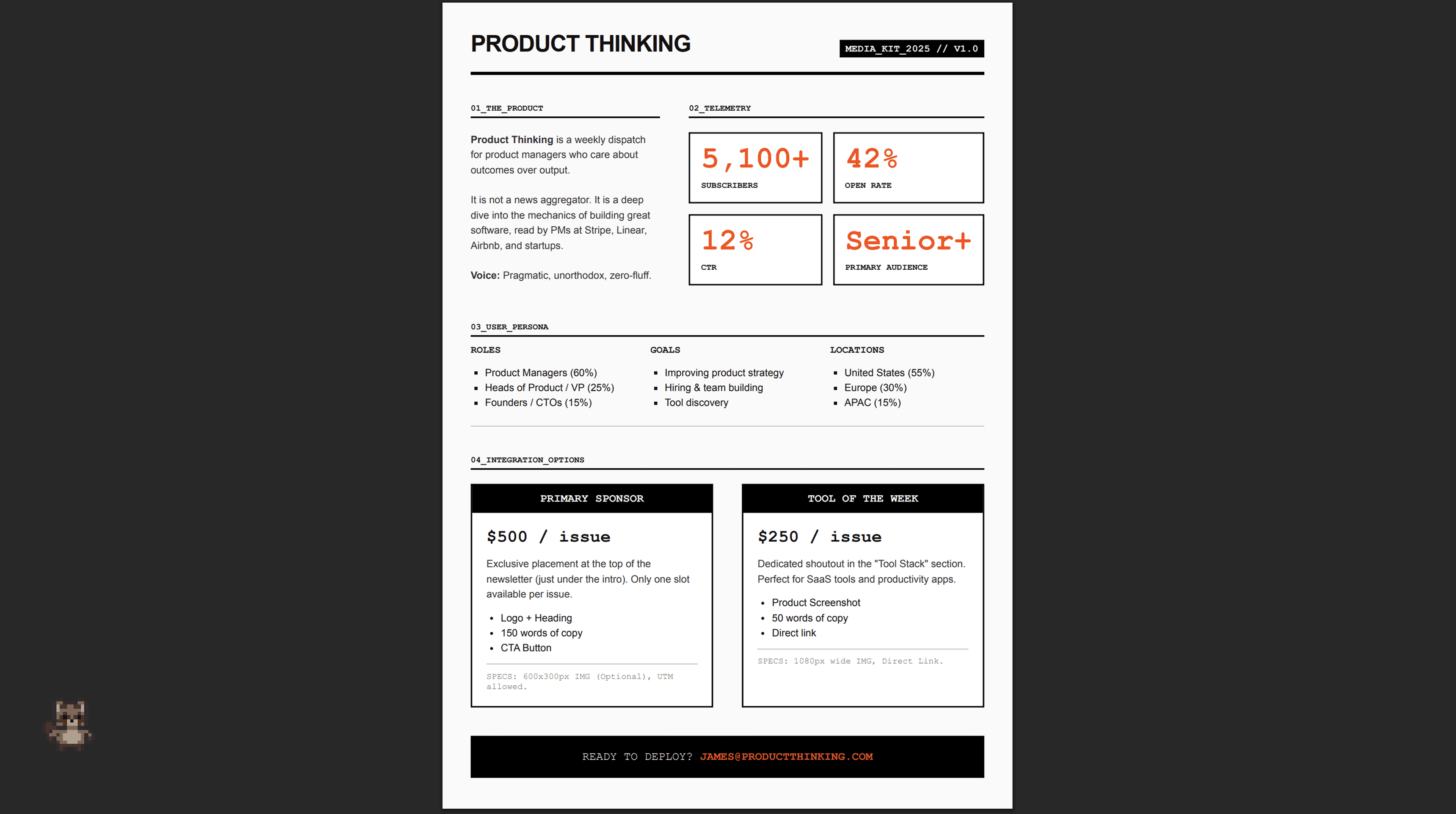
Newsletter Kit
Publishing
Newsletter design system with weekly template, welcome email sequence, sponsor one-pager, and annual digest PDF.

YouTube Thumbnails
Creator
Thumbnail set for 5-part personal finance series "Money Mistakes in Your 20s" with bold colors, expressive faces, and consistent branding across all videos.
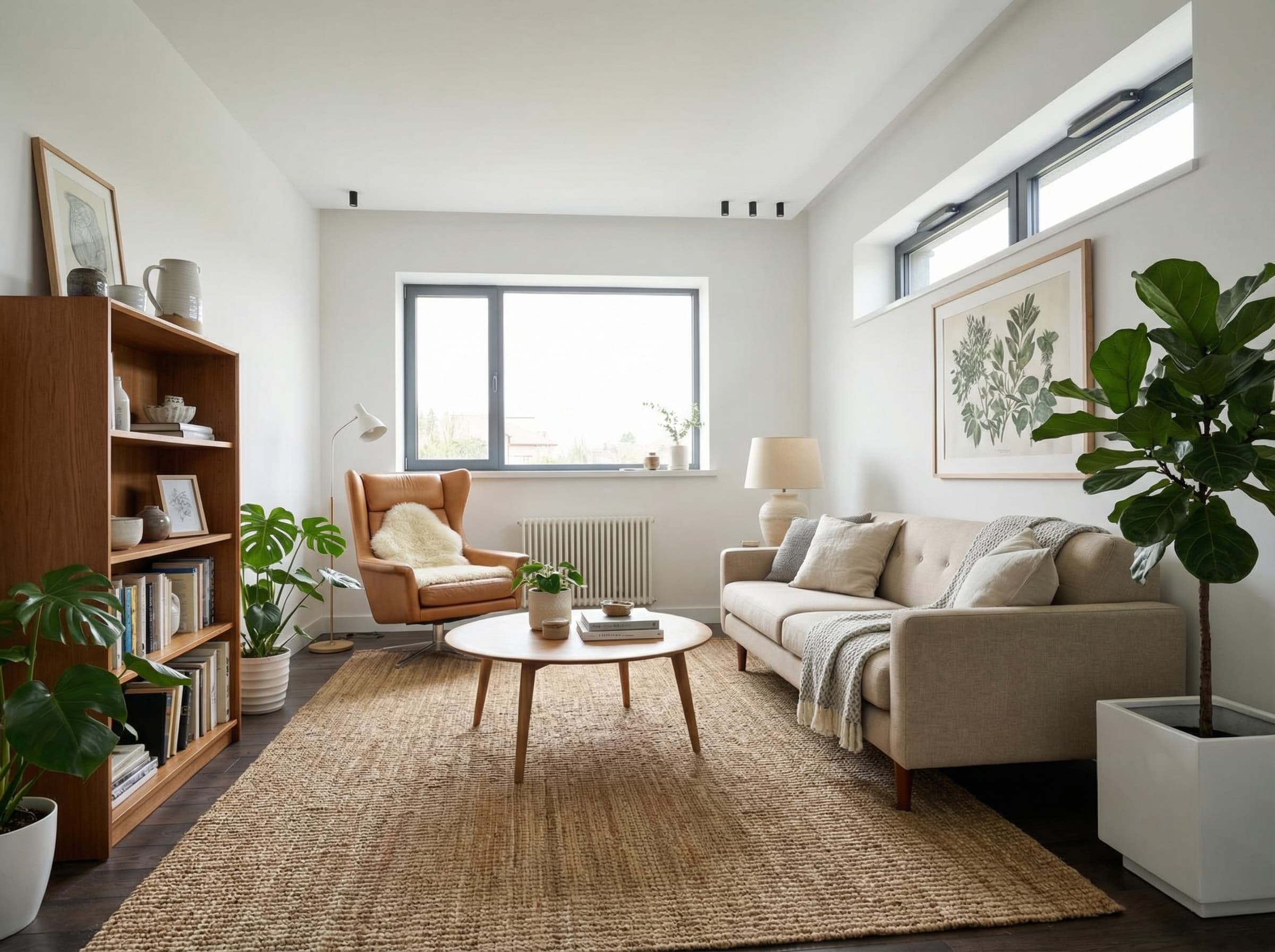
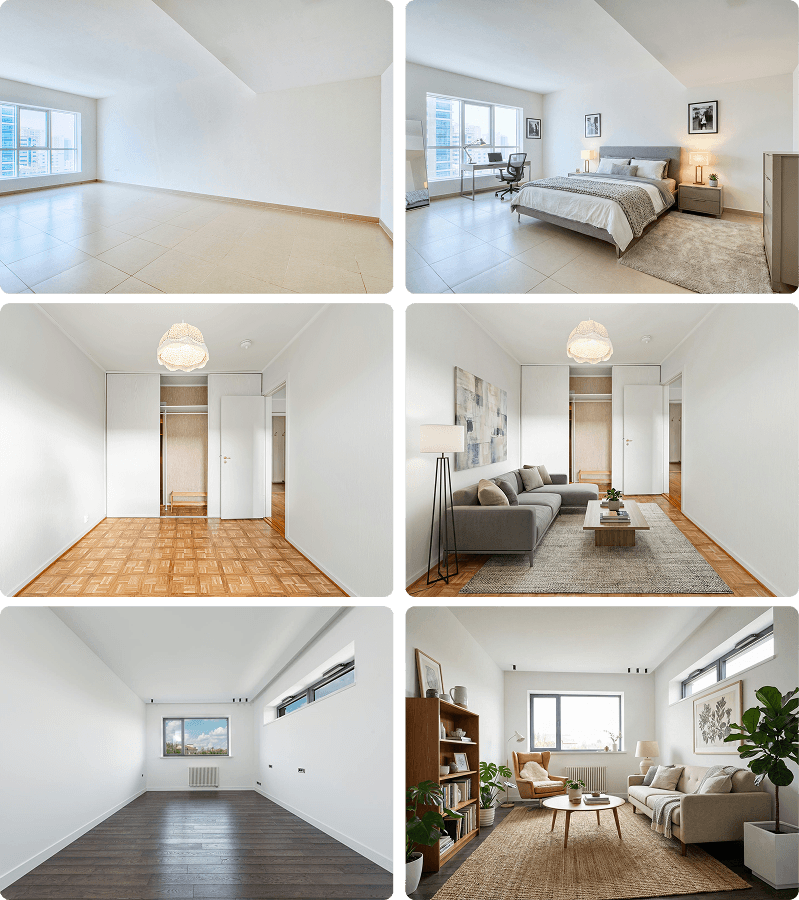
Virtual Staging
Real Estate
Empty apartment photos transformed into fully furnished rooms targeting young professionals. Modern furniture, realistic lighting, ready for real estate listings.
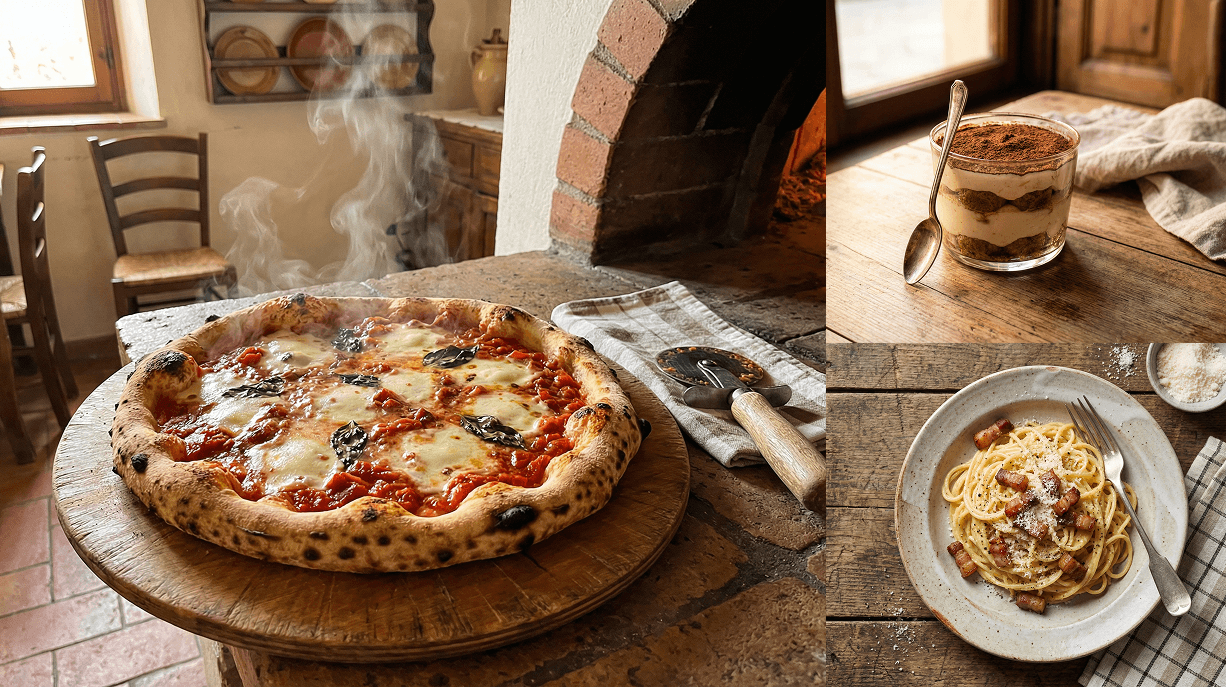
Menu Food Photography
Restaurant
Appetizing dish photos for Italian restaurant menu: margherita pizza, carbonara, tiramisu, bruschetta, and risotto in warm rustic trattoria style.
Anyone can generate. This is where you finish.
Raccoon runs the same frontier image and video models. The difference is everything around them.
Lives
Raccoon AI: Beside the deliverable
Gemini: Chat, or Flow apart
ChatGPT: In the chat scroll
Iterating
Raccoon AI: Masks, references, undo
Gemini: Turn-by-turn prompts
ChatGPT: Select and re-roll
The board
Raccoon AI: Persistent, layout saved
Gemini: Buried in the thread
ChatGPT: Library, no board
Into real work
Raccoon AI: Drops into apps and decks
Gemini: Download and leave
ChatGPT: Download and leave
Finishing
Raccoon AI: Upscale, de-bg, text fix
Gemini: Not in the app
ChatGPT: Not built in
Video
Raccoon AI: In the same workspace
Gemini: Veo, in chat or Flow
ChatGPT: Sora, separate app
Frequently asked questions
What can the canvas do?
Generate and edit images, upscale, resize, remove backgrounds, edit regions with a brush mask, fix text inside images, and arrange everything on a persistent board.
Can it keep a subject or style consistent?
Yes — attach reference images as subject or style anchors, and reference other images on the board when generating new ones.
How do region edits work?
Brush a mask or draw a box, describe the change, optionally add references — only that area regenerates, with in-place retry.
Does it do video?
Yes — text-to-video and image-to-video with first and last frame control, extensions, reference assets, and audio, in 16:9 or 9:16. Video generation is available on paid plans.
How is this different from Midjourney or ChatGPT image generation?
Generation quality is table stakes — the difference is what happens after the first draft. Raccoon gives you a persistent board with region masks, in-image text fixes, references between images, one-click upscale and background removal — and it all sits in the same workspace as the app, deck, or doc the image is going into.
Related use cases
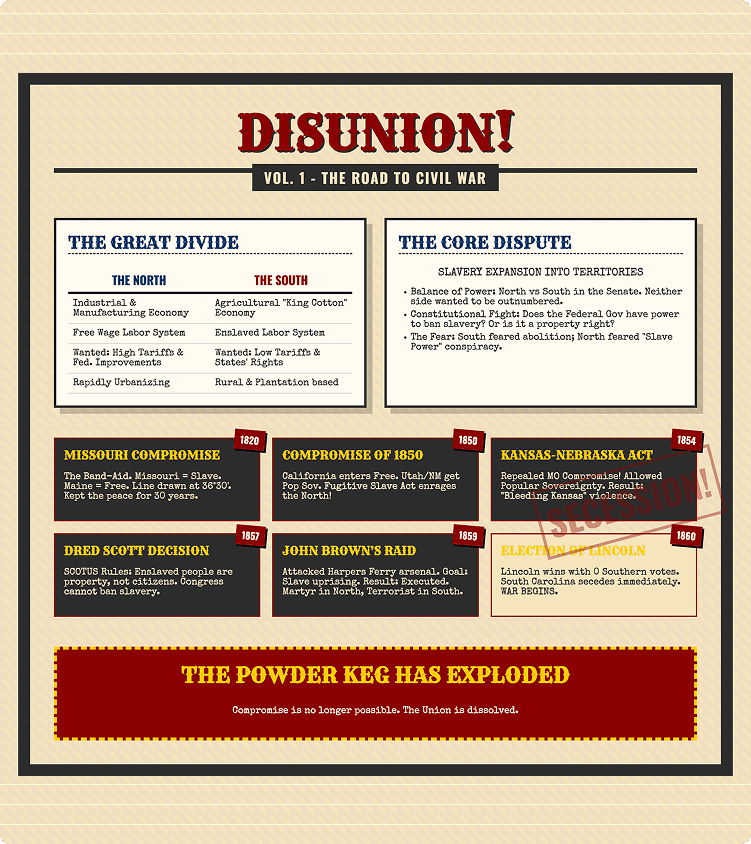
Design
Create professional visual assets in minutes. From illustrations to product graphics, Raccoon AI generates polished designs for any creative need.
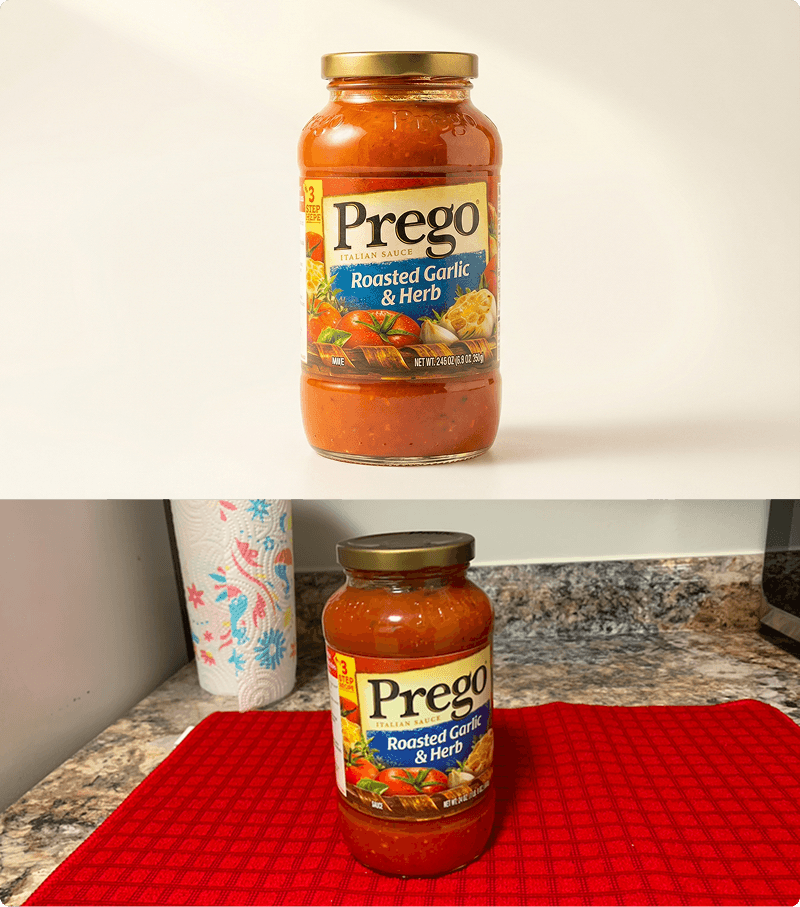
Image Editing
Edit images with AI-remove backgrounds, enhance quality, and apply modifications. Professional photo editing made simple.
Images
Create stunning images from text prompts. From marketing visuals to concept art, Raccoon AI generates professional-quality images for any creative need.
More of the product
Skills & Plug-ins
Package know-how into skills with hard guardrails — build them with AI, upload, or import from a repo.
Connectors
Gmail, Drive, GitHub, and any MCP server — with per-tool permissions you control.
Workspace
Files, live app previews, a slides studio, and a backend console beside every chat.
Memory
Preferences and context that carry across sessions — transparent and editable.