Memory & personalization
An agent that knows you.
Raccoon carries what matters between sessions — your preferences, your project context, your standards — transparently, editably, and always under your control.
This session
Noticed and saved — in the open.
Every session after
Already applied. Edit or delete anytime.
Personal, in the open
Remembers across sessions
Facts you'd otherwise repeat — your stack, your brand, your standards — carry into every new task.
Transparent by design
Every memory read and write shows up in the open, linked straight to where you manage it.
Yours to edit
Create, correct, or delete memories anytime — or switch memory off entirely with one toggle.
Custom instructions
Set standing guidance once — tone, formats, defaults — and every session starts from it.
A profile that shapes answers
Nickname, role, and notes tune how it writes to you and what it assumes you know.
Private by default
Memory belongs to your account, with a training-data preference you control.
Remembering is easy. Applying it is the job.
Raccoon's memory is a persistent file the agent lives in — not a tool it has to remember to call.
Built as
Raccoon AI: A living filesystem
ChatGPT: Model-triggered saves
Manus: A curated list
Visibility
Raccoon AI: Live, during the task
ChatGPT: Background saves
Manus: Suggested after tasks
Recall
Raccoon AI: Past sessions, on demand
ChatGPT: Chat-history lookup
Manus: When a trigger matches
Feeds
Raccoon AI: Apps, decks, docs — everything
ChatGPT: Replies
Manus: Tasks, when recalled
Standing rules
Raccoon AI: Instructions + profile + prefs
ChatGPT: One instructions box
Manus: Knowledge entries
Editing
Raccoon AI: Per-item cards, inline
ChatGPT: Flat list in settings
Manus: Settings list
Frequently asked questions
What does it remember?
Durable facts that help next time: your role, preferences, project context, standards. Memories are stored with your account and applied to new sessions.
Can I see and change what it knows?
Yes — every memory is listed where you can create, edit, or delete it, and reads and writes during a task are shown in the open.
Can I turn it off?
Yes, globally with one toggle. You can also delete individual memories anytime.
How is this different from ChatGPT's memory?
Two ways. Control: ChatGPT saves in the background and deleting a chat doesn't delete what it learned; Raccoon shows every read and write during the task, linked to where you edit or delete it. Purpose: this memory feeds an agent that builds — your standards land in real apps, decks, and documents, not just replies.
Is my data used for training?
There's a training-data preference you control in settings, and Team plans keep data out of training.
Related use cases
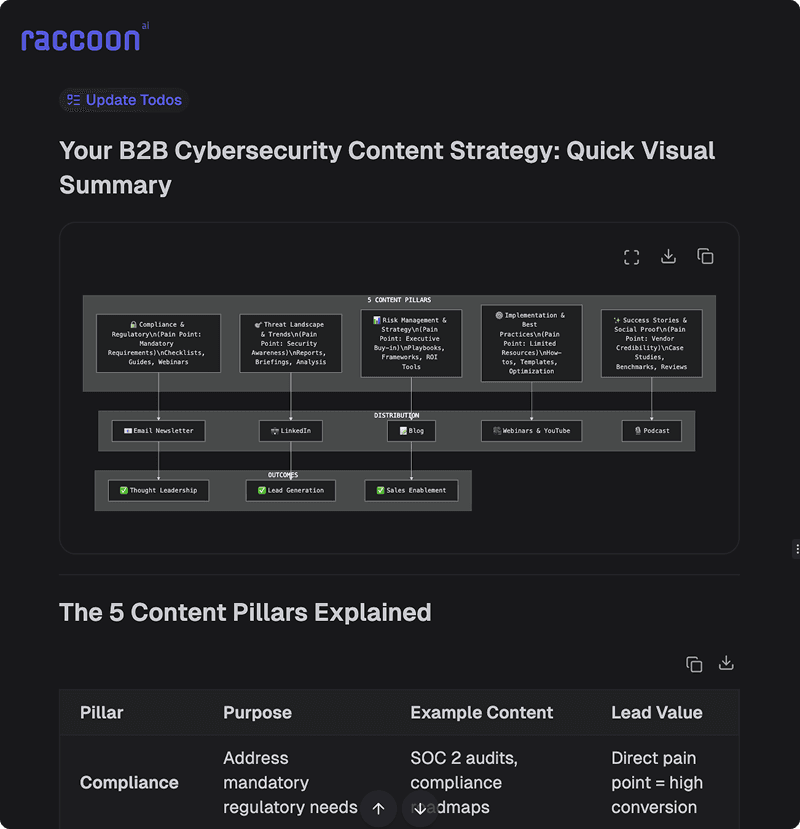
Content Marketing
Create high-quality articles, newsletter strategies, and repurpose video content into blog posts. Scale your content production without sacrificing quality.
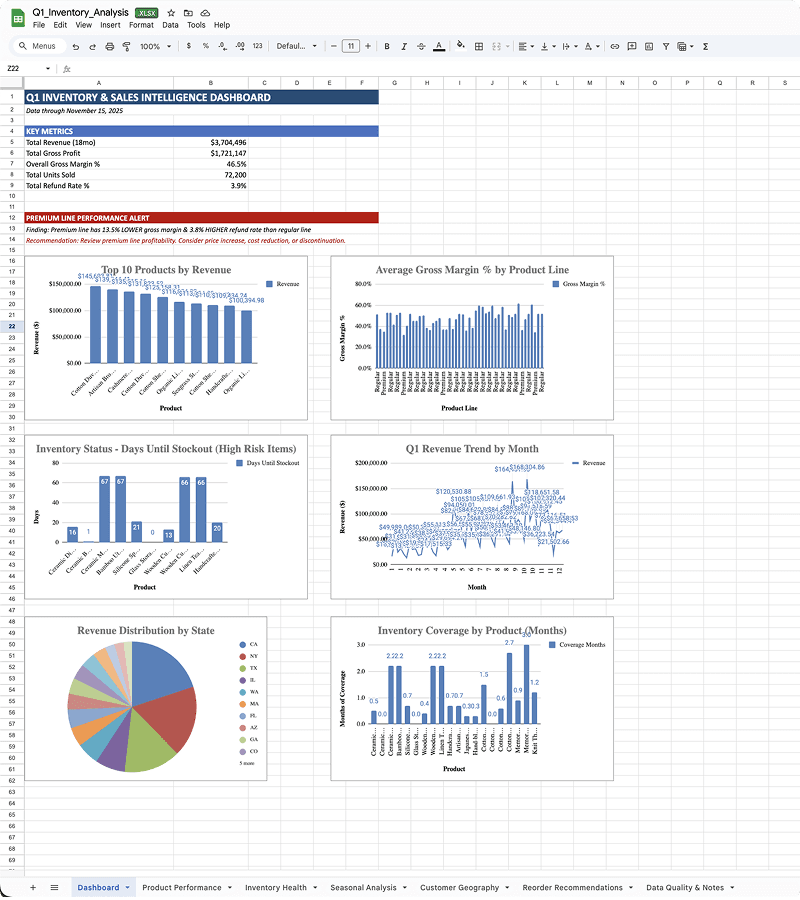
Data Analysis
Transform raw data into actionable insights. Raccoon AI analyzes spreadsheets, creates visualizations, and generates comprehensive reports.
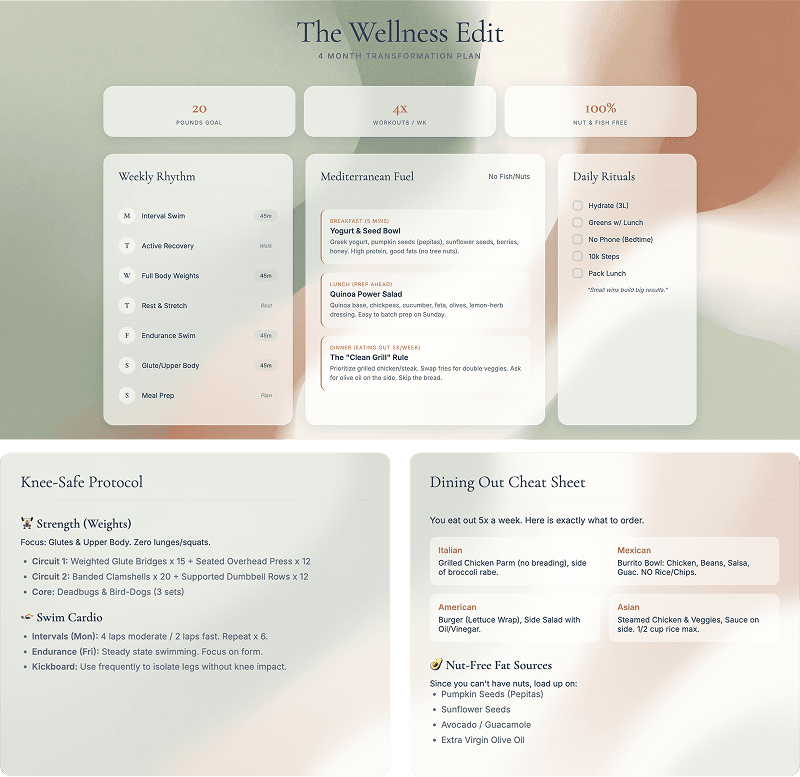
Personal Wellness
Create personalized meal plans, workout routines, and sleep improvement plans. Take control of your health and wellbeing.
More of the product
Skills & Plug-ins
Package know-how into skills with hard guardrails — build them with AI, upload, or import from a repo.
Connectors
Gmail, Drive, GitHub, and any MCP server — with per-tool permissions you control.
Workspace
Files, live app previews, a slides studio, and a backend console beside every chat.
AI Canvas
An image canvas with region edits, text fixes, upscaling, and video generation.