Connectors & MCP
Your tools, in its hands.
Raccoon doesn't just build in its own workspace — connect Gmail, Drive, GitHub, or any MCP server and it gets things done inside your accounts, with permissions you control per tool.
Gmail permissions
read_emails on
send_email off
Per-tool allow-lists — it can see without being able to send.
Connected, with you in control
Your real accounts
Gmail, Outlook, Google Drive, Calendar, Sheets, GitHub, Notion, Supabase — the agent works inside the tools you already use.
Any MCP server
Point Raccoon at any Model Context Protocol server by URL — it discovers the tools and walks you through sign-in.
A 50+ connector library
Browse ready-made connections by category, see status at a glance, reconnect expired links in one click.
Per-tool permissions
Enable read-only and block mutating actions per tool — the agent can see your inbox without being able to send.
Per-session or account-wide
Turn a connector on for a single task or your whole account, and revoke it anytime.
It acts, not just reads
Draft replies, file events, update sheets, open PRs — connected tools are for doing, not just searching.
Access everywhere. Control that's real.
Everyone lists integrations. How they scale — and what they're allowed to do — is the difference.
Adding one
Raccoon AI: Paste a URL, auto-discovered
ChatGPT: Web-only developer mode
Claude: Settings, plan-gated
Where they work
Raccoon AI: Every task, every mode
ChatGPT: Not GPTs or agent mode
Claude: Chats and Claude Code
Scaling up
Raccoon AI: Two meta-tools, no bloat
ChatGPT: Tools load per app
Claude: Prune tools per chat
Write actions
Raccoon AI: Allow-listed per tool
ChatGPT: OpenAI's own: read-only
Claude: Advised to disable
Expired access
Raccoon AI: Flagged, one-click reconnect
ChatGPT: Fails mid-task
Claude: Fails mid-task
With skills
Raccoon AI: Declared, auto-paired
ChatGPT: Bundled via plugins
Claude: Separate systems
Frequently asked questions
Which connectors are built in?
Gmail, Outlook, Google Drive, Google Calendar, Google Sheets, GitHub, Notion, and Supabase, plus a browsable library of 50+ managed connections — and any custom MCP server.
What's MCP support?
Model Context Protocol is an open standard for tool servers. Give Raccoon a server address and it discovers the tools, handles the protocol, and walks you through sign-in.
Can I limit what a connector can do?
Yes — per-tool action allow-lists. Keep reading on and switch mutating actions off, so the agent can see but not send.
Why not just use ChatGPT's connectors?
ChatGPT's MCP support lives in a web-only developer mode: custom connectors can't run in Custom GPTs or agent mode, deep research only reads, and OpenAI's own apps ship search-only. Raccoon gives every task the full connector set with per-tool allow-lists, feeding an agent that acts — drafting, scheduling, filing, opening PRs.
Can it work in Slack or my browser?
Yes — a Slack app lets you run Raccoon from your workspace, and a Chrome extension lets the agent drive your own logged-in browser.
Related use cases
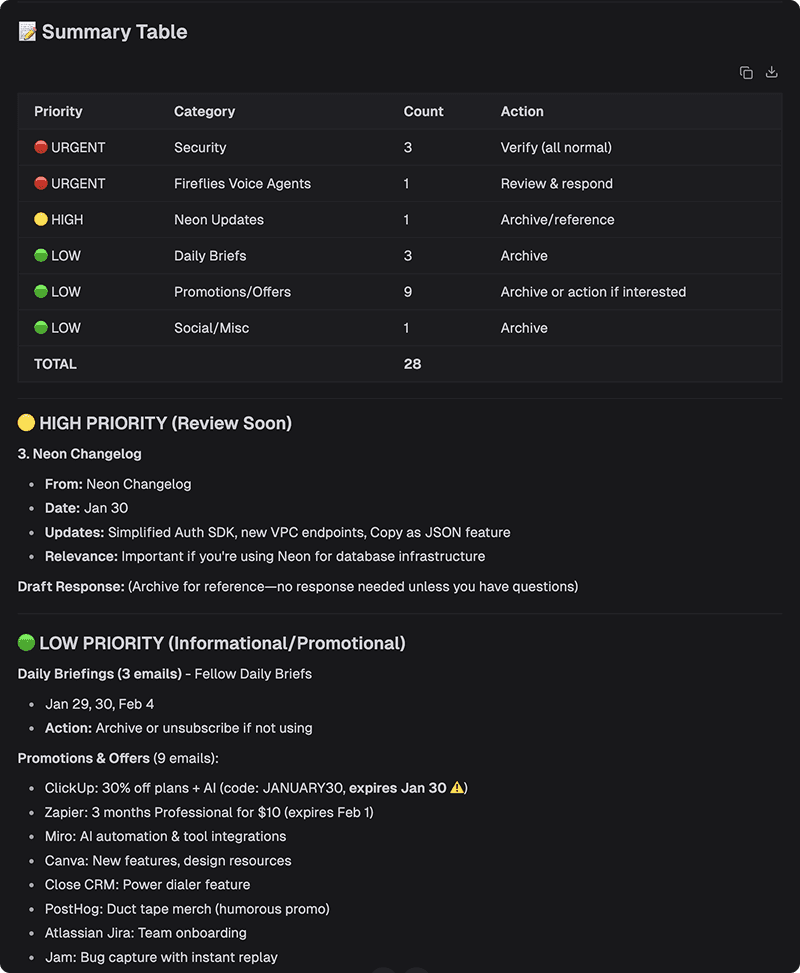
Automation
Connect your tools and automate repetitive tasks. Link Gmail, Calendar, Drive, GitHub, and more to create powerful workflows that save hours every week.
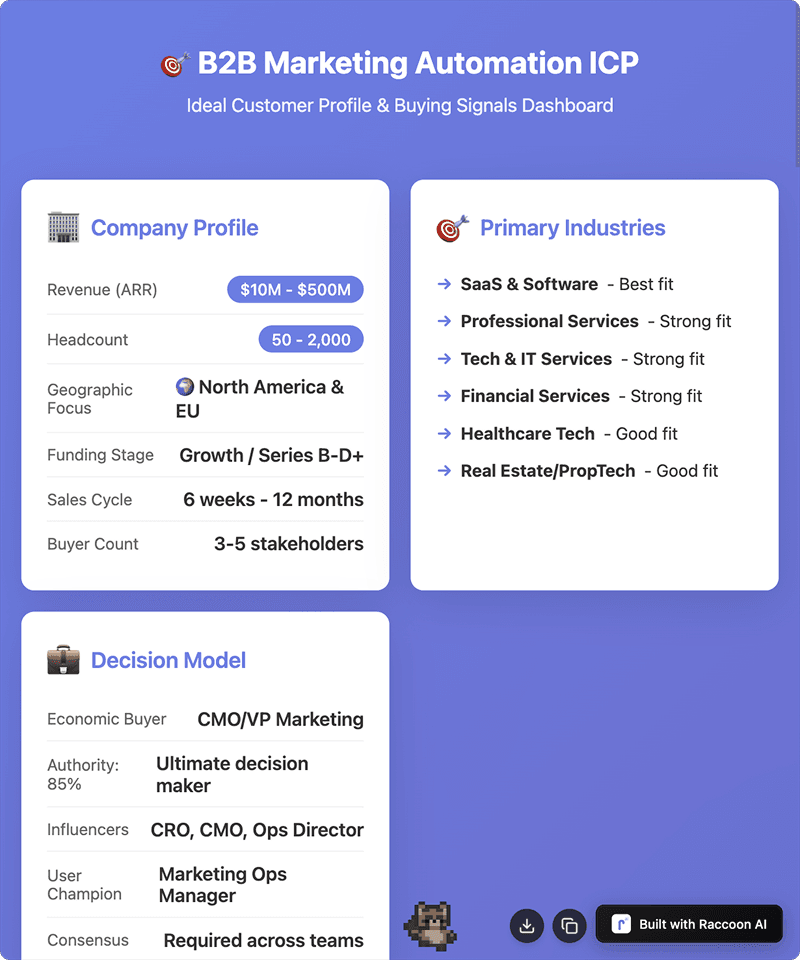
Lead Generation
Build targeted prospect lists and find contact information for B2B outreach and sales development. Fill your pipeline with qualified leads.
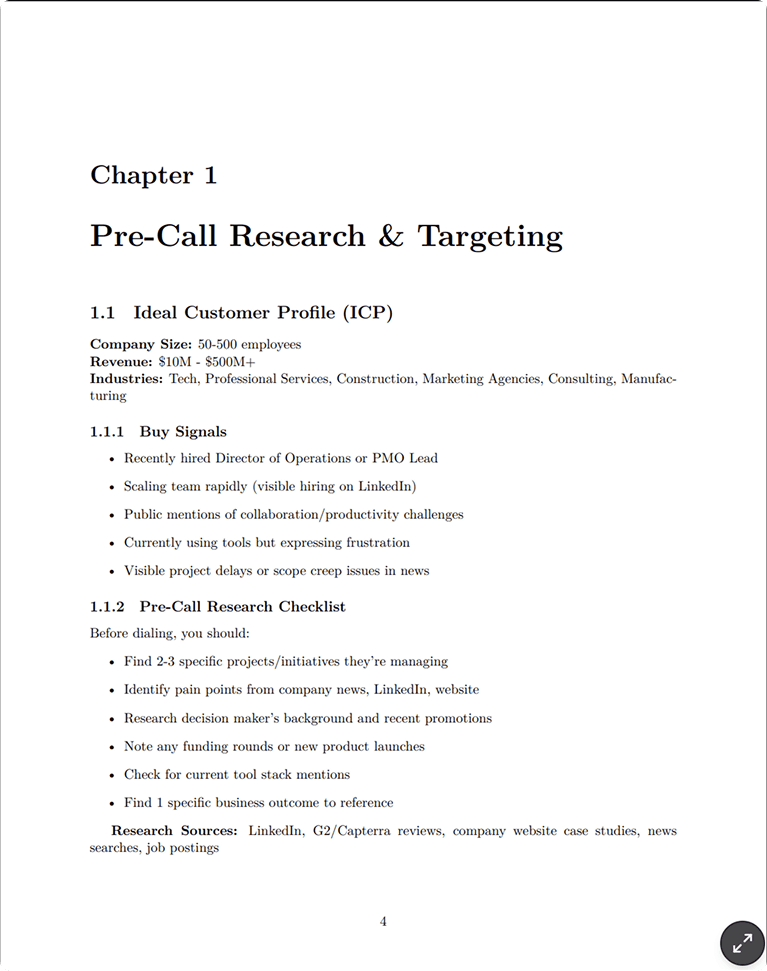
Sales Enablement
Equip your sales team with scripts, proposals, and company intelligence to close more deals. Prepare for every meeting with confidence.
More of the product
Skills & Plug-ins
Package know-how into skills with hard guardrails — build them with AI, upload, or import from a repo.
Workspace
Files, live app previews, a slides studio, and a backend console beside every chat.
Memory
Preferences and context that carry across sessions — transparent and editable.
AI Canvas
An image canvas with region edits, text fixes, upscaling, and video generation.