Raccoon AI Web App Builder
From idea to production in minutes. Describe your app in a prompt, watch it build in real-time, and deploy to a live URL with one click. No setup, no configuration, no limits.
Curated examples of what you can create
AI Virtual Try-On App
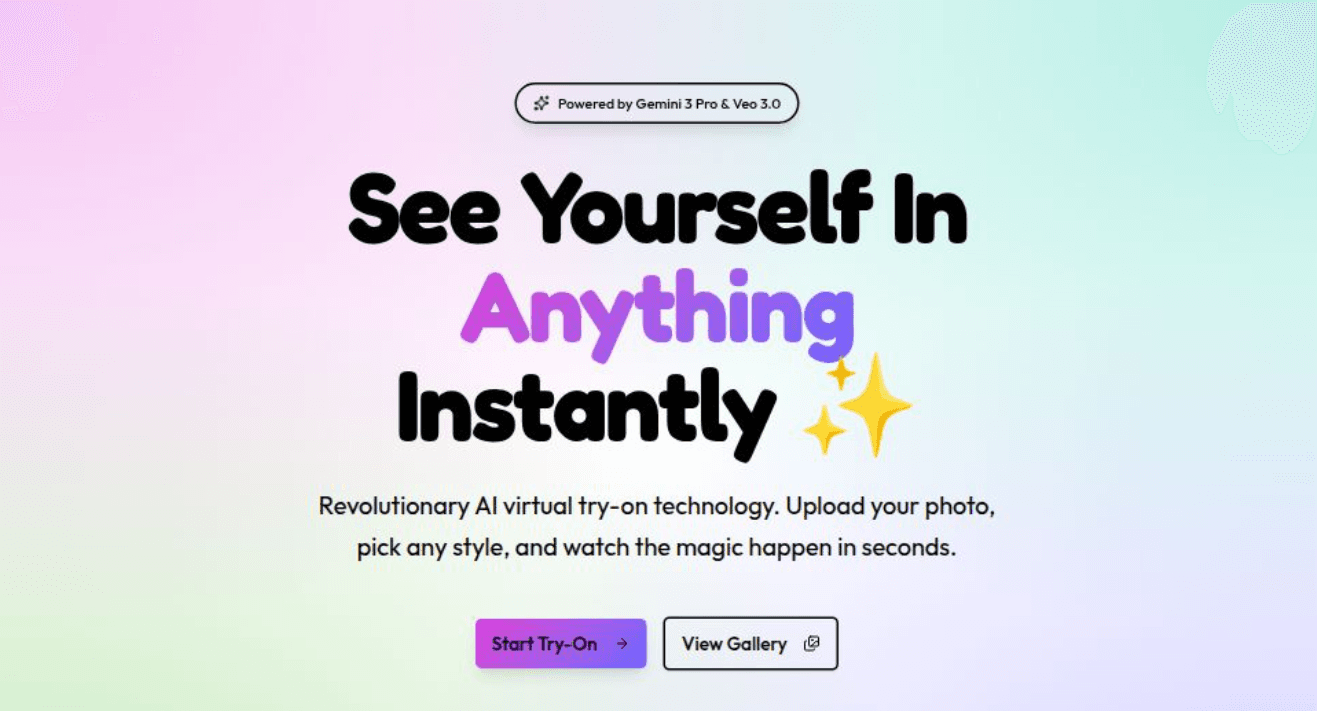
A web app for an AI image and video generation platform focused on virtual try-ons. Use gemini-3-pro for images and veo-3.0 for videos. Users can upload a photo and see realistic outfit try-ons instantly.
Landing Page
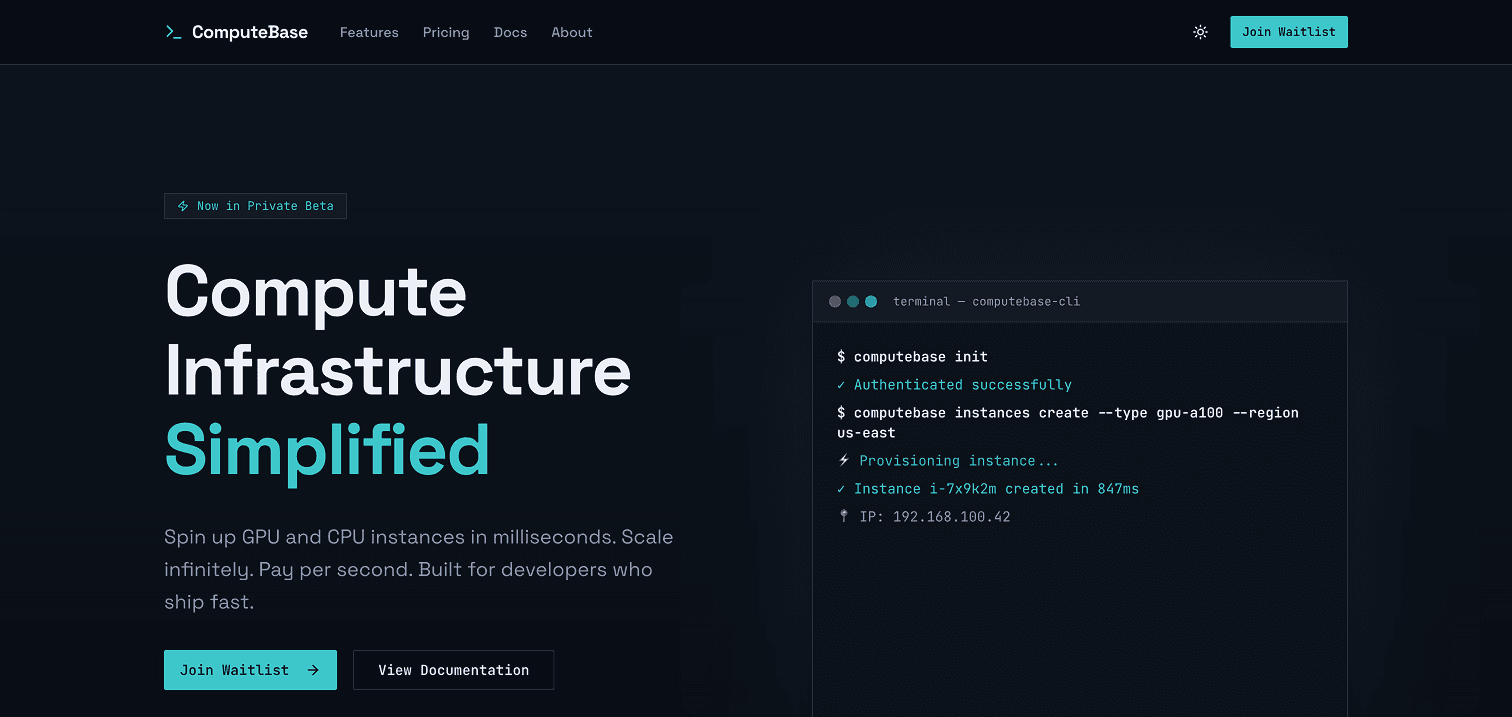
One shot a developer-focused compute infrastructure platform with sharp, technical aesthetics. Feature an animated terminal demo, comprehensive marketing pages, and functional waitlist integration.
Excels to Dashboards
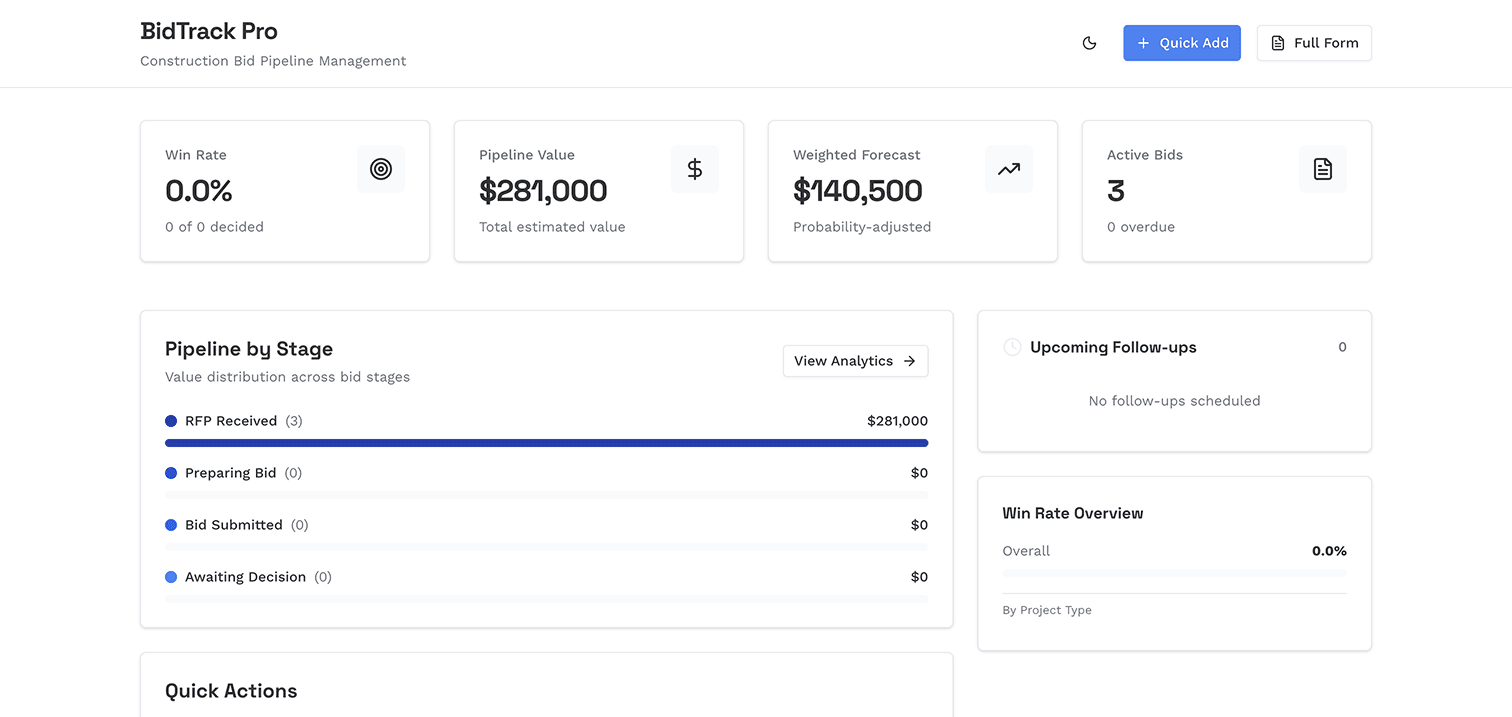
Convert daily excel workflows into simple, clean dashboards with visualizations and powerful analytical features. Friendly flows for entering data on your phone or desktop and export back to Excel anytime.
How to build awesome web apps with Raccoon AI
Describe your app
Describe the app you want to create in a simple prompt. Raccoon AI takes it from there.
Build an AI virtual try-on platform. Users upload a photo of themselves and select clothing items to try on.
Review the web plan and provide inputs
Before writing any code, Raccoon AI creates a web plan. This is a structured breakdown of exactly what will be built: pages, components, API routes, data models, and third-party integrations.
The plan also collects inputs from you.
API keys, database URLs, authentication secrets: add them here. They are stored securely and deployed with your app.
Review the plan before the build starts. Want to add a feature? Adjust the scope? Add comments to any part of the plan. Once you approve, the build begins.
Watch the full stack come together
Now Raccoon AI writes the code. You see every file appear in the workspace as it is created. The live preview updates in real time so you can click through your app while it is being built.
You can also browse and download the code, understand the architecture, or just watch the magic happen.
Deploy to production
Hit the Publish button. Your app goes live on a real URL within seconds.
Your app runs in a production environment with automatic SSL, CDN caching, and worldwide availability. Share the link with your users.
Every deployment gets a unique subdomain on our platform. You can also connect your own custom domain.
Iterate until it's perfect
Your app is live, but you are not done. Found a bug? Want a new feature? Just ask.
When you are happy with the changes, redeploy with one click.
Let users share results directly to social media.
You own it
The code is yours. Download it anytime. Ask Raccoon AI to push it to your own GitHub repo or continue building locally.

Frequently asked questions
Build full stack web applications from a single prompt. Raccoon AI handles the entire workflow from planning to deployment. Here are answers to common questions about building web apps with Raccoon AI.
Have more questions or looking for a different solution? Contact sales
Before writing code, Raccoon AI creates a web plan that outlines your app architecture: pages, components, API routes, data models, and connectors. You can review and modify this plan before the build starts. This ensures Raccoon AI understands exactly what you want before committing to implementation.
Anything you can describe. Landing pages, dashboards, internal tools, AI-powered applications, e-commerce storefronts, admin panels, data visualization apps, SaaS products, portfolios, blogs, and more. Raccoon AI generates production-ready Next.js applications with modern React patterns and can integrate with any external API.
No. Describe what you want in plain language and Raccoon AI handles everything. You can review the generated code if you want, but it is completely optional. The app works whether you understand the code or not.
No-code platforms lock you into their ecosystem. Raccoon AI generates real code that you own completely. There is no proprietary runtime, no vendor lock-in, no limitations on what you can build. Export the codebase anytime and continue development however you want.
Yes. Integrate with any external APIs. For databases, Raccoon AI writes integration code for Supabase, Firebase, PlanetScale, Neon, or any service you prefer. Share the respective credentials in web plan and they deploy securely with your app.
Simple landing pages take 5 minutes on an average. Full stack applications with multiple features typically take 10 to 30 minutes depending on complexity. You can interact with the live preview immediately as the app is being built.
Your app is deployed to a production environment with automatic SSL, CDN caching, and instant worldwide availability. You get a unique production URL immediately. This is not a preview environment. It is a real deployment that you can share with your users.
Yes. You can connect any custom domain to your deployed app and add the DNS records. Raccoon AI handles SSL certificates automatically.
Raccoon AI integrates with authentication providers like Clerk, Auth0, and NextAuth. It can also build authentication flows using Supabase Auth or Firebase Auth. Provide your service credentials and Raccoon AI writes the integration code.
Absolutely. Every file is accessible in the workspace. Browse, and download the entire codebase. Ask Raccoon AI to push the code to your own repo, continue development locally, or hand it off to your team.